


Business security cameras remain one of the most reliable investments you can make in your property, because they work on two levels at once. Visible cameras discourage break-ins, theft, and vandalism before they happen, and recorded footage gives you evidence and operational insight when something does.
There are now more than one billion surveillance cameras installed worldwide, and the video surveillance market is expected to reach roughly $77 billion by the end of 2026, which means you have more options than ever and (unfortunately) more ways to choose poorly.
This guide walks you through what a business security camera system includes, the main types of security cameras for business, where to place them, what installation involves and costs, and how to approach the decision as a business. It also covers the piece most buying guides skip: how cameras and access control work together, because a camera that can't tell you who walked through the door is only doing half the job.

What a business security camera system includes #
A business security camera system consists of cameras, a recording and storage layer, and video management software that lets you view live feeds and review footage. Depending on the setup, storage lives on a local recorder, in the cloud, or in a hybrid of the two.
You might be tempted to save money with consumer cameras built for homes, and for a single storefront that can seem reasonable. The tradeoffs, however, show up later.
Residential cameras typically offer less storage, shorter lifespans, and, most importantly, few integration options, so they can't connect to your access control, alarm, or analytics tools. Commercial systems are designed to scale and to share data with the rest of your security stack, which is what makes the footage useful rather than just available.
Modern surveillance cameras for business commonly include:
- Real-time streaming, so you or your security team can monitor activity remotely and react quickly
- Recording and playback for investigations, insurance claims, and operational review
- Video analytics that flag unusual movement or intrusions automatically
- Night vision through infrared or low-light sensors
- AI features such as people detection, license plate recognition, and object classification
- Access control integration, so entries and exits are paired with verified identity events
As a rule, more capable cameras cost more, but features that were premium a few years ago, like 4K resolution and on-camera AI, keep moving down into mid-range products.
Types of security cameras for business #
Analog and digital (IP) #
Analog cameras ran business surveillance for decades over coaxial cable, and they were dependable, but they top out at low resolutions. Digital IP cameras stream and record in high definition or 4K, connect over standard networks, and support cloud storage and analytics, which is why nearly every new commercial installation is IP-based. If you have existing analog infrastructure, you can often run hybrid setups while you phase in digital cameras.
Wired and wireless #
Wireless cameras transmit video over WiFi, which simplifies installation in spots where running cable is difficult. Most still need a power line, though, so "wireless" usually means wireless data, not wireless everything. Battery- and solar-powered models exist but tend to be a last resort for locations without electrical access. Wired PoE (power over Ethernet) cameras carry both power and data over a single cable, which is why installers favor them for permanent commercial deployments: fewer points of failure and no batteries to maintain.
Bullet and dome #
Bullet and dome cameras serve different jobs. Bullet cameras have a narrower field of view and longer range, so they suit perimeters, hallways, and parking lots where you want to see far. Dome cameras cover a wider field of view and blend into ceilings, which makes them a better fit for open offices, lobbies, and storage rooms where full-area coverage matters more than reach.
Audio recording #
Many cameras now include microphones, but think carefully before enabling them. Audio recording can violate state wiretapping and consent laws, and in all-party consent states recording conversations without permission carries legal penalties. Video-only operation is the safer default for most businesses unless you've confirmed the rules in your jurisdiction.

Where to place business security cameras #
Covering every inch of your property is rarely realistic, so prioritize the areas where incidents are most likely or most costly:
- Entrances and exits, where cameras deter intruders and pair naturally with access control
- Elevators, because they're enclosed and hard to monitor otherwise
- Parking lots, where vandalism and property damage tend to happen
- Inventory and storage areas that hold valuable equipment or stock
- Hazardous areas around machinery or chemicals, where footage supports both safety and liability
Keep cameras out of spaces where people have a reasonable expectation of privacy, such as bathrooms and changing rooms, and post signage that surveillance is in use. Keeping in mind, signage strengthens the deterrent effect, because a camera someone notices is a camera that changes behavior.
Business security camera installation: what to expect #
Installation is where camera projects most often go over budget or underdeliver, so it pays to understand the process before you request quotes.
A professional business security camera installation typically covers a site survey, camera mounting, cabling (usually PoE for commercial jobs), network configuration, recorder or cloud setup, and testing.
For a standard commercial project, plan on roughly $250 to $600 per camera installed, including the camera's share of cabling, storage, and labor, with complex outdoor runs or lift work pushing that to $900 or more. Labor alone runs about $100 to $250 per camera location. Budget for network infrastructure too: PoE switches, cabling upgrades, and routers can add $500 to $3,000 to a project, and they're the line item most first-time buyers forget.
If you’re thinking of doing DIY installation, sure, but it makes sense mostly for very small deployments with plug-and-play wireless cameras. Once you're mounting cameras at height, running cable through walls or ceilings, or configuring a network video recorder, professional installation saves you from coverage gaps, unstable connections, and potentially unusable footage.
Also, very important to do beforehand: decide how cameras will connect to your other security systems before installation, not after. If your cameras and access control are chosen together, your installer can position cameras to capture every controlled door and configure the two systems to share events from day one. Retrofitting that connection later usually means repositioning hardware and reconfiguring software, which costs more than doing it once.
Choosing a small business security camera system #
If you run a small business, your constraints are different from an enterprise buyer's, and the right small business security camera system reflects that.
A small office, salon, or retail space usually needs four to eight cameras covering the entrance, the register or reception, storage, and any back door. Complete professionally installed systems at that scale commonly land between $4,000 and $10,000, which is more than a box of consumer cameras but buys you evidence-grade footage, proper coverage, and room to grow.
Cloud-managed cameras deserve a serious look at this scale, because they remove the on-site recorder, let you check your business from your phone, and scale to a second location without new server hardware. That convenience is driving the broader market shift: the video-surveillance-as-a-service market is projected to grow from about $5.9 billion in 2026 to $12 billion by 2032, with commercial deployments leading adoption.
Small tip: factor the subscription fees into your comparison, since per-camera cloud fees over several years can rival the cost of local storage.
Now, the payoff definitely justifies the spend. In a University of North Carolina at Charlotte study of 422 incarcerated burglars, around 60% said they would pick a different target if they knew a property had security cameras. Cameras also protect you from the inside: the ACFE's 2026 Report to the Nations estimates organizations lose 5% of annual revenue to occupational fraud, with a median loss of $104,000 per case, and 84% of perpetrators displayed behavioral red flags before detection.
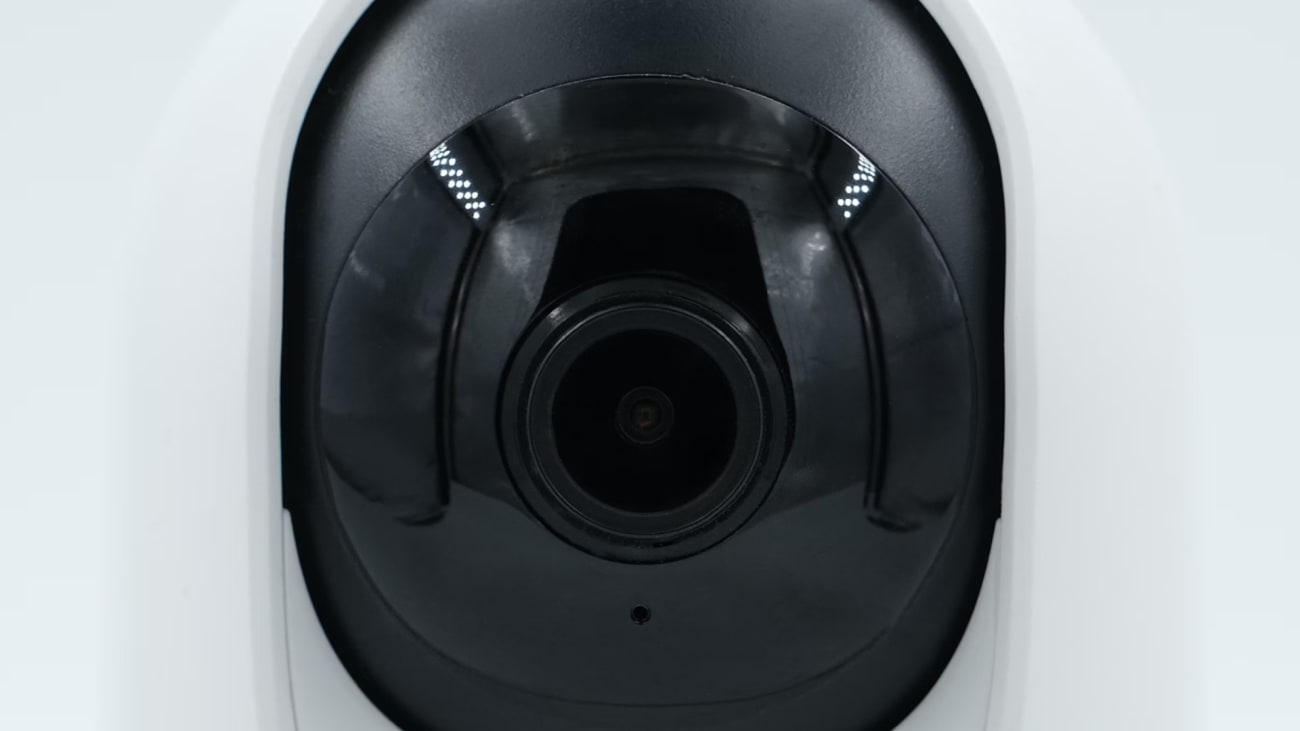
Which security camera system is right for your facility?
Explore side-by-side reviews of the top video security solutions in the market.
Pairing business security cameras with access control #
Cameras tell you what happened, but access control tells you who was authorized to be there. Combining the two is what turns a collection of cameras into a commercial security system, because every entry event gets both an identity record and visual proof.
When you use security cameras with access control, an unlock event at a door pairs with the video of that moment, so you can verify that the person who badged in is the person who walked through, catch tailgating, and investigate incidents in minutes instead of scrubbing hours of footage.
For example, Kisi integrates with partners like with VORTEX by VIVOTEK exactly for this reason. VORTEX is VIVOTEK's cloud surveillance platform combining AI cameras, video management, and cloud backup, and the integration works in both directions.
Kisi access events appear alongside camera footage in VORTEX, you can unlock Kisi doors directly from the VORTEX interface, and relevant video clips pull into your Kisi dashboard for quick review of any access event. Also, since both platforms are cloud-based, you manage cameras and doors across every location without on-premise servers at each site.
Build a complete system with Kisi and its camera partners #
A well-planned business security camera system deters crime, documents incidents, cuts fraud losses, and gives you operational visibility you can act on. The systems that deliver the most value are the ones planned as part of a larger whole, where cameras, access control, and management software share data instead of running in parallel.
Kisi provides cloud-based access control and integrates with camera platforms, so you can pair the cameras that fit your property with access management that verifies every entry. Book a demo to see how Kisi fits into your camera project, whether you're installing your first system or connecting the one you already have.

Bernhard Mehl
Bernhard is Co-founder of Kisi. His philosophy, "security is awesome," is contagious among tech-enabled companies.

