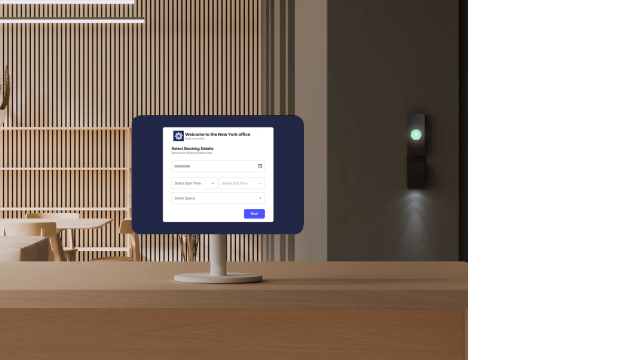


Most businesses still treat the front desk as a welcome point. In reality, it’s one of the most exposed parts of a building. Every visitor, contractor, or guest passes through it poses a security threat if not handled properly. If there’s no clear process for verifying identity, tracking entry, or controlling access beyond that point, it quickly becomes a blind spot.
This isn’t just a workplace issue as the same pattern shows up in coworking, fitness and healthcare spaces. Anywhere a front desk sits between the outside world and controlled spaces should have a system in place, not only to ensure security for the entire space, but also to operate it more effectively and even monetize it.
What is front desk security? #
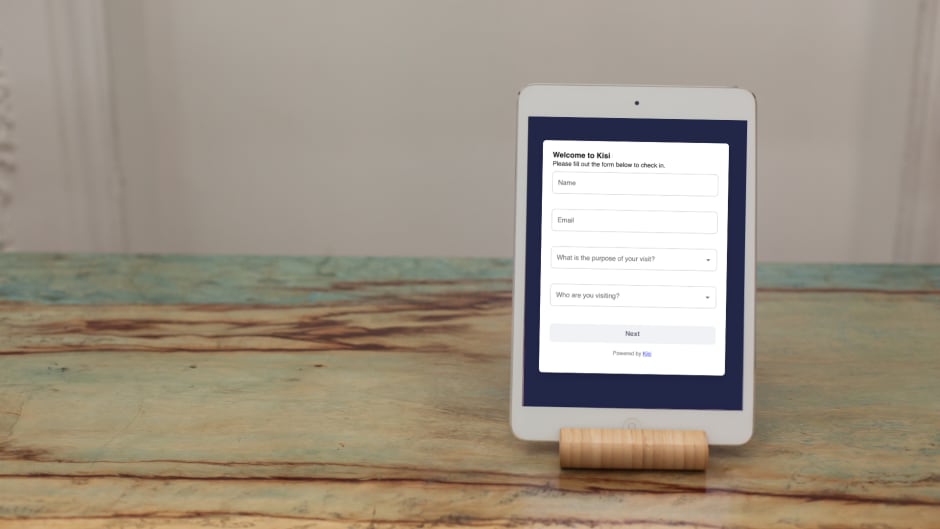
Front desk security refers to the policies, procedures, and systems put in place to manage the movement of people within a space. It usually sits at the intersection of identity verification (who the person is), visitor handling (why they’re there) and access control (where they can go).
In most environments, the front desk is the first (and sometimes only) checkpoint before someone moves further into a facility. This makes it one of the most consequential points in any physical security strategy. If you get it right, you have visibility, control, and accountability over who's in your building at any given moment. Get it wrong, and you have a vulnerability that's both easy to exploit and difficult to detect.
Common mistakes in front desk security #
On paper, most front desks have some form of process, but in most cases, that process is outdated. Reliance on manual workflow is a common mistake that many facilities often employ. From there, it usually gets worse through things like:
- No identity validation: Visitors are checked in based on what they say, not who they are since there may be no ID verification or cross-check with expected guests.
- Unrestricted movement after entry: Once someone is inside, they can often move freely, which makes the front desk a formality, instead of a real control point.
- Disconnected systems: Even when bookings or visitor lists exist, they’re not tied to access permissions. Someone can be “expected” without being properly authorized.
- Over-reliance on reception staff: Everything depends on one person noticing, remembering, and enforcing rules in real time, which is hard to scalable and easy to bypass.
Core front desk security procedures #
Now that we’ve listed the possible cracks in a front desk security system, we will also list the procedural foundation that has to be in place and all the non-negotiables a setup should have to operate effectively, regardless of the size of the organization or the sophistication of the tools.
Verify identity before granting access #
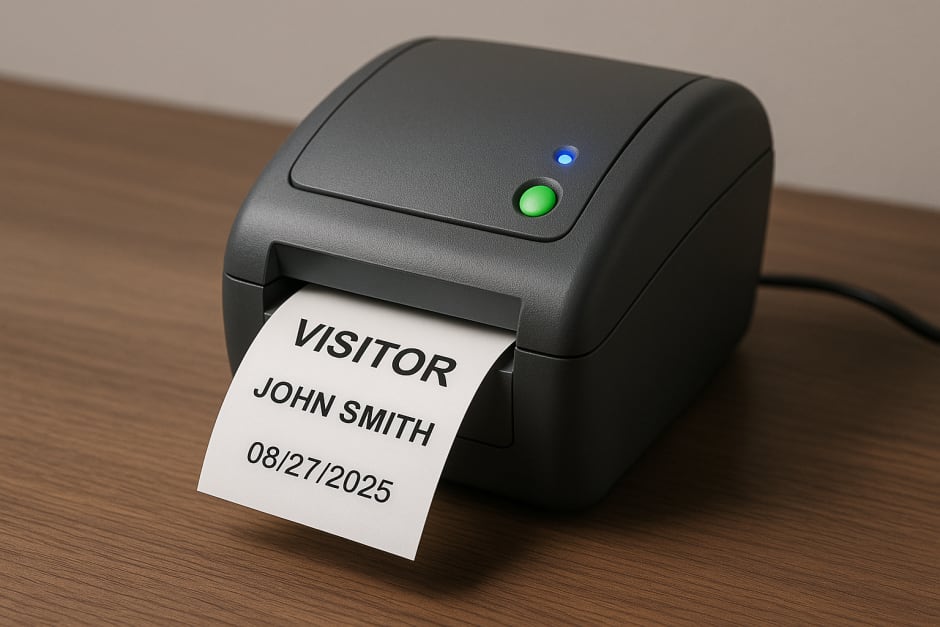
Every visitor should be required to present a valid, government-issued ID upon arrival. This should apply universally with no exceptions for "regulars" or people who seem “familiar”. Identity verification is the checkpoint and it should be kept firmly in place
Log every visitor with a timestamp #
Every entry needs to have a record: who arrived, when, who they were visiting, and when they left. This audit trail makes incident response, compliance reporting, and evacuation accounting possible.
Every visitor should have a different level of access. A contractor coming in for a maintenance job has different needs than a job candidate coming in for an interview or a vendor making a delivery. Access should be scoped to the minimum required for the purpose of the visit. Thus, movement will also be restricted according to the access level of the person in question.

Reduce front-desk work with self-service
See how Kiosk Pro helps automate routine workflows across your space.
What a modern front desk security system looks like #
A “manual” front desk can work at low volume and low complexity. However, that’s not the case with modern facilities. The reality is that most front desks today operate in high-frequency, high-variability environments. The demands of an office building can and will be different from how the front desk in a healthcare facility or a fitness space will operate.
However, modern front desk security software addresses problems across facilities by shifting the workload away from individual human judgment and toward automated, integrated processes. This is how:
- Automatic, system-generated audit trails. Every access event is logged the moment it happens, tied to a specific credential, a specific door, and a specific timestamp. When an incident needs to be investigated or a compliance audit needs to be passed, the data is already there: accurate, exportable, and complete.
- Instant, remote credential revocation. When access needs to be cut (a visitor whose meeting has ended or a member whose subscription has lapsed) it happens immediately across every access point without anyone needing to physically retrieve a badge or contact reception.
- Tailgating detection. Manual check-in has no answer for someone who follows an authorized person through a door without scanning their own credential. Connected systems, integrated with AI-enabled cameras, can detect when more people cross a threshold than the single unlock event should allow.
- Single-dashboard visibility across all access points. Instead of access control living in one system, visitor logs in a spreadsheet, and booking in a separate tool, a unified platform brings all of it together. Security and operations teams see who is on-site, which areas they've accessed, when they arrived, and when they left, across every location.
Front desk booking security #
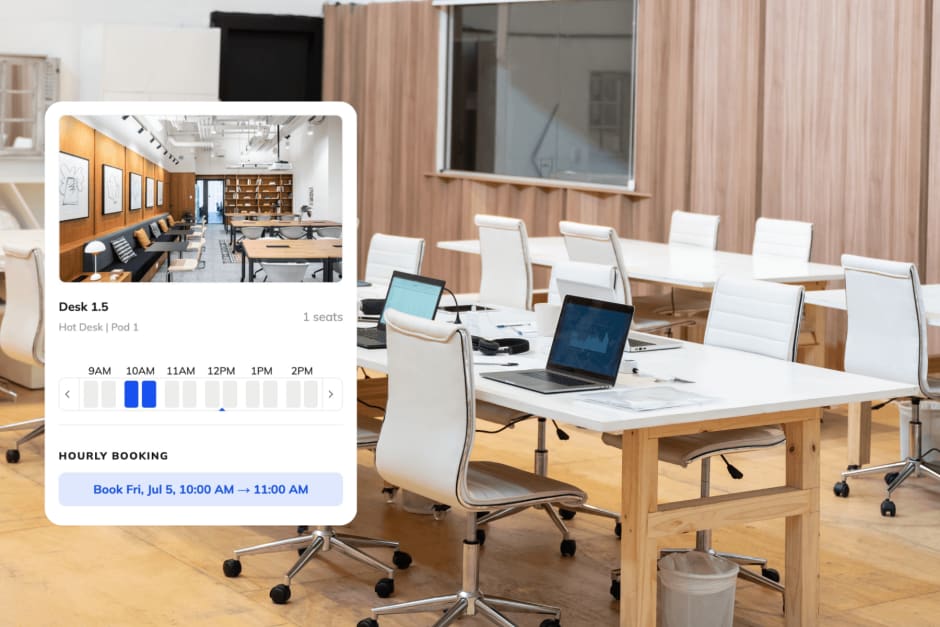
So far, we’ve broken down how front desk security relies on identity checks, clear procedures, and systems. However, there's a security gap that’s hard to recognize and it sits at the intersection of booking and access,
This is the core problem: a booking confirms that someone is expected, but doesn’t confirm that they are authorized to have physical access at the time they arrive. These are different things that if treated as equivalent creates a reliable blind spot.
Booking doesn’t automatically mean you are verified. If someone comes, mentions the booking, and is waved through without an identity check while booking was made with a generic or shared account, and no access restriction was tied to the reservation, then the booking becomes the credential and that’s not how credentials work.
A platform like Kisi connects booking rules directly to physical access hardware, so that reserving a desk or a yoga class also defines the access parameters tied to that reservation. Doors unlock at the time of the booking and re-lock when it ends, while QR codes are issued for the duration of the booking and expire automatically.
In this scenario, the front desk is a dot in a connected system where identity, authorization, and access are all part of the same flow.
Improve your front desk security with Kisi #
Front desk security works best when its moving parts (like identity, access, bookings, etc.) are managed in one place rather than patched together across disconnected tools. Modern access control should be designed like an ecosystem.
Kisi allows organizations to manage visitor check-ins, issue temporary credentials, monitor entry activity in real time, and connect bookings directly to physical access. As a unified solution, everything can be remotely controlled from a centralized dashboard, without being tied to a front desk.
If you're looking for a more reliable way to secure your front desk, Kisi's access control system can help you build a setup that scales without adding operational overhead. Book a demo with our team to see how it works in practice.

Ana Coteneanu
Content writer @ Kisi | Ana focuses on long-form content that explores access control, space monetization, security, and modern workplace operations. With a background in technology-driven industries, she specializes in turning complex topics into practical insights for business audiences.
