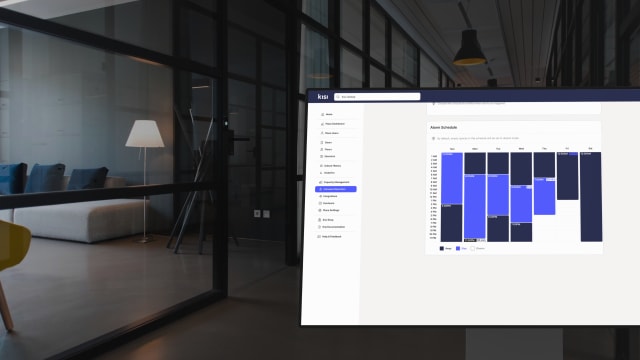


Security cameras are one of the first investments most offices make, and the last few years have seen the market changing rapidly. The technologies vary from cloud-managed cameras and AI detection to integrations with access control, which have turned what used to be a passive recording setup into an active part of office security.
In this guide, we walk through the best security cameras for office use, the important criteria when comparing them, and how connecting them to your door access can give you a new level of security and control over the facility.

How to choose security cameras for your office #
Before picking a specific brand, it helps to understand the main technological choices you'll have to make. These five criteria generally separate a good modern setup from an outdated one:
- Cloud vs. local storage: Cloud-managed systems (often called Video Surveillance as a Service, or VSaaS) put all your locations onto one dashboard and get rid of the physical recording box. The trade-off (because there is always one) is a recurring monthly fee. Traditional on-premise systems keep your data local and avoid monthly costs, but they are much harder to manage if your business expands to multiple offices.
- Power over Ethernet (PoE): We’d advise to avoid Wi-Fi cameras for a commercial office or anything similar. PoE cameras get both their power and internet connection through a single network cable, giving you a stable connection that won't drop out when the network gets busy.
- Matching resolution to the area: 4K cameras are not the gold standard for every single room and a standard 2MP or 4MP camera works perfectly fine for hallways and open desk areas. Save the 4K lenses for the specific spots where you need to clearly see a face or a license plate.
- AI smart alerts: Modern cameras process AI alerts right on the device itself, so instead of making you scroll through hours of footage after something happens, the system can send a direct notification if it detects specific unusual events.
- Door access integration: This is the feature most standard camera guides ignore. When your cameras are connected to your badge-in door system, the system can instantly check if the person holding a keycard actually matches the photo on the credential, helping you catch unauthorized visitors.
The best security cameras for offices #
VORTEX by VIVOTEK #
VORTEX is VIVOTEK's cloud video surveillance platform, and it pairs top-tier AI cameras with cloud management, AI-powered search, and flexible direct-to-cloud or bridge-to-cloud deployment. For offices, the appeal is the combination of professional camera hardware with a dashboard your office manager can use without training.
VORTEX also integrates natively with access control platforms like Kisi. You can view live VORTEX camera feeds inside the dashboard, pull video clips tied to specific door events, and unlock doors from the VORTEX platform. Cameras like the VORTEX FE931-EHV and FE912-H also support tailgating detection, alerting you when someone slips through a door behind an authorized user.
Best for: offices that want a cloud-first system with deep access control integration.

Cisco Meraki MV #
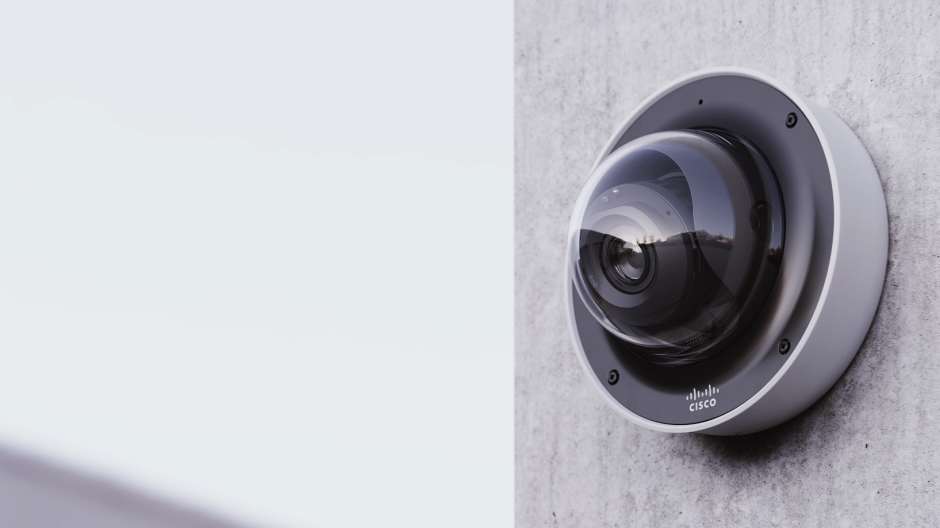
Meraki MV cameras store footage on the camera itself and are managed through the Meraki cloud dashboard, the same one many IT teams already use for networking. Image quality is strong, the model range covers indoor, outdoor, telephoto, and 360-degree fisheye options, and setup is close to plug-and-play.
Access control is also supported on all Meraki MV camera types. You can review video tied to door events, and models like the MV33 and MV93 support tailgating detection. If your office already runs on Meraki networking, MV cameras are the path of least resistance.
Best for: offices already invested in the Cisco Meraki ecosystem.
Lumana #
Lumana builds AI-native video security. Its Core appliance replaces a traditional NVR, adds AI analytics to both Lumana cameras and existing IP cameras, and supports cloud and on-premise deployments. The camera lineup covers dome, turret, and bullet form factors, with the 8MP dome standing out for indoor and outdoor office use.
These cameras also feature access control integration that runs through Lumana VMS+, where access events are captured and indexed alongside video automatically. With systems like Kisi, you can enable entry via face recognition or license plate, visually verify badge usage, and get real-time tailgating alerts driven by access data and computer vision.
Best for: offices that want advanced AI analytics or need to keep some infrastructure on-premise.

Verkada #
Verkada offers hybrid cloud cameras with onboard storage and a polished cloud dashboard. The platform extends beyond cameras into access control, sensors, and alarms, which appeals to companies that want one vendor for everything. Tradeoffs to weigh however: the all-in-one approach locks you into Verkada's ecosystem, and per-camera licensing costs add up across larger deployments.
Best for: enterprises that prefer a single-vendor security stack and have the budget for it.

Rhombus #
Rhombus is a cloud-managed camera platform in the same category as Verkada, with a reputation for straightforward licensing and a solid API. Camera options span dome, fisheye, and multisensor models, and AI analytics cover people and vehicle detection. It integrates with a range of third-party access control and alarm systems, though the integrations are shallower than a native pairing.
Best for: mid-sized offices that want modern cloud cameras with predictable pricing.

Cameras and access control #
When looking at cameras and especially if you’re interested in having a facility that is protected but also takes care of its members and guests, then access control is worth a conversation. A standalone camera tells you something happened, but a camera connected to your access control tells you who, when, and whether they were supposed to be there.
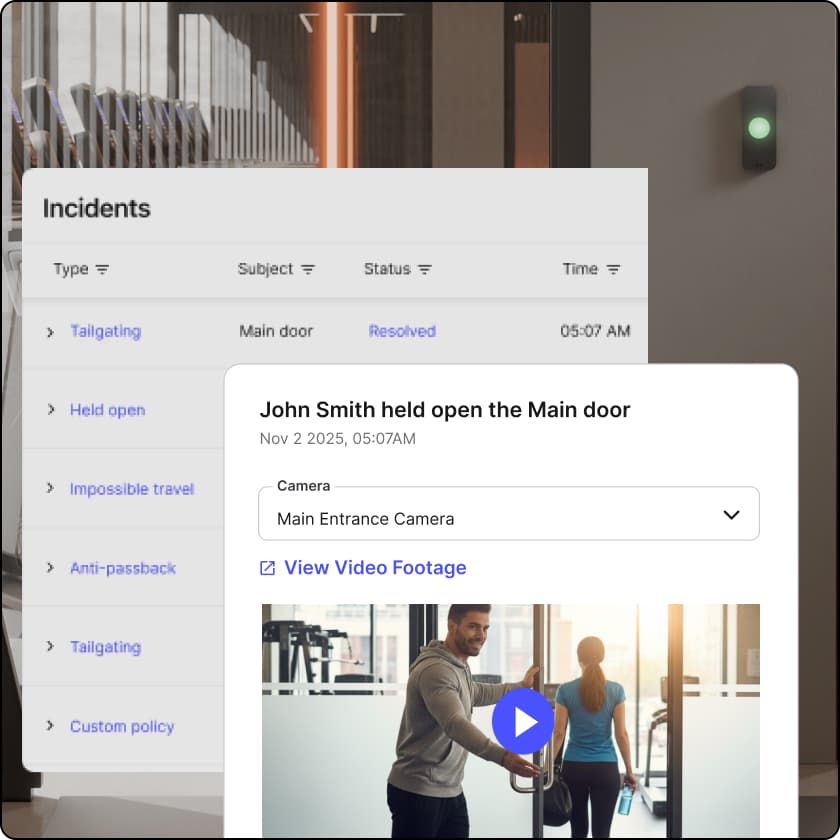
When your video platform and door system share data, every unlock event comes with a snapshot or clip attached. Investigating an incident stops being a scrubbing exercise across hours of footage and becomes a search of indexed access events. Video verification also closes the gap credentials leave open, because a badge proves someone had a card, but footage proves who used it.
Tailgating detection is the clearest example. Cameras with line-crossing analytics, combined with door unlock data from systems like Kisi, flag in real time when an extra person follows someone through a secured door. That's a security event no camera or access system catches on its own.
Kisi integrates with every camera platform on this list's partner tier, including VORTEX by VIVOTEK, Cisco Meraki, and Lumana, plus Eagle Eye and Spot AI. Access events, alerts for forced-open or held-open doors, and matching video snapshots all land in one dashboard. If you're evaluating office cameras, it's worth deciding on the access control question at the same time rather than bolting it on later.
Frequently asked questions #
How many security cameras does a small office need? #
Most small offices are covered well with two to four cameras: one at the main entrance, one covering reception, and one or two on interior areas like a server room or open floor.
Should I choose cloud or local storage for office camera footage? #
Cloud storage makes footage accessible from anywhere, simplifies multi-site management, and removes NVR maintenance. Local storage avoids monthly fees and keeps footage on your premises. Hybrid systems, where cameras store footage onboard and sync to the cloud, give you both, and most of the platforms in this guide offer some version of it.
Can office security cameras work with my door access system? #
Yes, if you pick compatible platforms. Kisi connects with VORTEX by VIVOTEK, Cisco Meraki, Lumana, Eagle Eye, and Spot AI cameras, pairing every door event with video and enabling features like tailgating detection and face recognition entry.
What is tailgating detection? #
Tailgating is when an unauthorized person follows an authorized one through a secured door on a single unlock. Detection combines camera analytics (line crossing, person counting) with access control data to flag these events in real time and attach video evidence.
Do office security cameras need internet? #
Cloud-managed cameras need a connection for remote viewing and alerts, though most keep recording locally during outages. Fully local NVR systems run without internet but give up remote access and centralized multi-site management.
What resolution do office security cameras need? #
4MP handles most indoor office zones. Reserve 4K for entrances, parking, and anywhere identification matters. Higher resolution also means more storage, so match the camera to the zone instead of buying 4K everywhere.

Ana Coteneanu
Content writer @ Kisi | Ana focuses on long-form content that explores access control, space monetization, security, and modern workplace operations. With a background in technology-driven industries, she specializes in turning complex topics into practical insights for business audiences.
