Best access control systems features

Access control management
Cloud-based
Cloud computing allows commercial door access control systems to use remote servers, which means lower maintenance costs, remote access management, and automatic system updates, as opposed to the traditional method of keeping information on local servers that are expensive to maintain and update.
Remote unlocks
Granting and revoking access without the need to be physically on the premises brings a lot of flexibility to operators while still maintaining a strict security system. With a powerful online dashboard and mobile app, access control vendors with this feature eliminate the need for physical keys or fobs and enable 24/7 access management.
Directory integrations
Particularly useful for mid to large-sized businesses, directory integrations like Okta or Azure empower IT operators to efficiently manage several groups of people and their varying access levels across multiple locations.

User authentication
Native mobile access
This feature allows people to use their smartphones to access the space, rather than a physical key or fob, which can be lost, stolen, or forgotten. For end-users, mobile access makes life easier; for managers, it saves time and resources to provision access.
SAML-based SSO
This allows users to centrally manage their cloud services with one set of credentials and, when integrated with access control, provide seamless entry into new spaces. IT managers love this feature because it makes onboarding new users faster and simpler.
Digital wallet credentials
Members and employees can store access credentials directly in Apple Wallet or Google Wallet, unlocking doors with a tap without opening a separate app. It's the most frictionless mobile credential available today and adoption is growing fast.
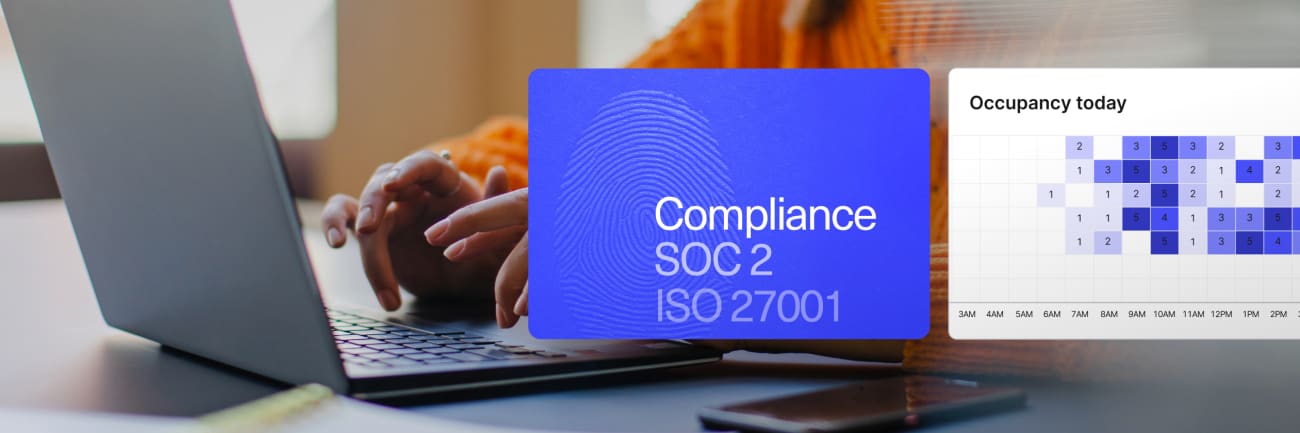
Compliance
Alarms integration
Integration with fire alarms or any specialized alert system maximizes the security of the property and ensures managers, operators, and emergency personnel can shorten the response time to dangerous situations.
Lockdown
In emergency situations, the lockdown feature can save lives and contain dangerous situations while still prioritizing the safety of authorized users.
Tailgating detection
Tailgating is one of the most common security vulnerabilities in commercial buildings. Camera-integrated detection alerts staff in real time when this happens, without requiring manual monitoring.

Support
Direct support
Perhaps the most frustrating part of implementing technology, direct support is a huge asset in facilitating troubleshooting or managing emergency situations when it comes to your security system.
Onboarding
A guided setup process ensures your system is configured correctly from day one. Good onboarding reduces installation errors, gets your team up to speed faster, and means you're not figuring out edge cases on your own after go-live.
Dedicated account management
For larger deployments, a named point of contact who knows your setup makes a real difference. Dedicated account management means faster escalation, proactive check-ins, and someone who understands your environment when something needs resolving.
Access control brand reviews
To help you in your research, we have highlighted below some of the largest manufacturers of access control and security systems.

Brivo
One of the oldest and most established cloud-native access control platforms on the market, trusted by businesses across multiple industries and dozens of countries.
Salto
A hardware-focused access control company known for its electronic locks and Keys as a Service cloud platform, widely used in coworking, hospitality, and large facilities.